Why is it necessary to regularly replace blades?
During long-term use, paper cutter blades will undergo natural wear due to frequent cutting, resulting in rough cut edges, reduced precision, and even compromised overall cutting performance. Regular replacement and maintenance of the blades can not only ensure cutting quality, but also extend the service life of the equipment and improve production efficiency.
Detailed Steps for Blade Replacement
Preparation Stage
To enter the tool change mode, first select the "Machine Functions" option on the main operation interface, then locate and click the "Tool Change Correction" function. The system will pop up a tool change confirmation prompt and enter the "Manual Basic Adjustment" mode. When the word "Pedal" appears on the screen, operate the pedal to lower the paper pressing plate to the lowest position and lower the tool rest to the lowest position.To ensure safety during blade replacement.(Turn off the main power supply, or press the emergency stop button and attach a warning tag)
Detailed Steps for Blade Replacement
Loosen the fixing screws: first loosen the screws at both ends, install the tool change handle, then loosen the middle screws. Do not unscrew them completely. Hold the blade steadily with both hands and take it out obliquely to prevent the blade from tipping over or falling.
Place the old blade into the special blade box immediately with the cutting edge facing inward. Random placement is strictly prohibited.
Inspection and Installation of New Blades

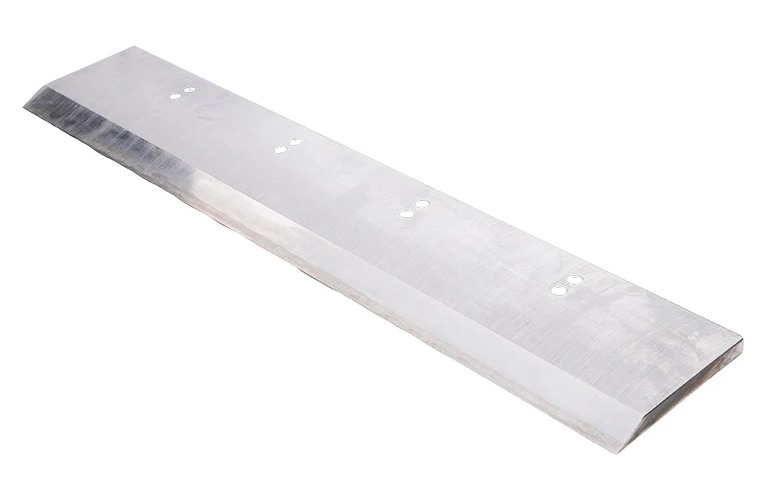
Verify that the blade model matches the machine model and the cutting angle is compatible; check for no chipping, cracks or rust.
Use a soft cloth to remove impurities from the blade, do not wipe the cutting edge.
Install the cutter
Tighten the mounting screws diagonally in several passes; do not fully tighten them in one go. (Do not touch the cutting edge or collide with hard objects during the entire installation process.)
Test cutting and finishing
Run idle cutting 3 times, ensuring no abnormal noise and no tool rebound.Test cut with waste paper to check for no burrs, no adhesion, and a smooth cutting surface.
Final tightening
 Hot News
Copyright © 2026 Ma 'anshan Tongyang Machinery Equipment Co., Ltd. All rights reserved. Privacy policy
 EN
EN